There isn’t one right phone for every older adult — the best choice depends on comfort with technology and what the phone actually needs to do.
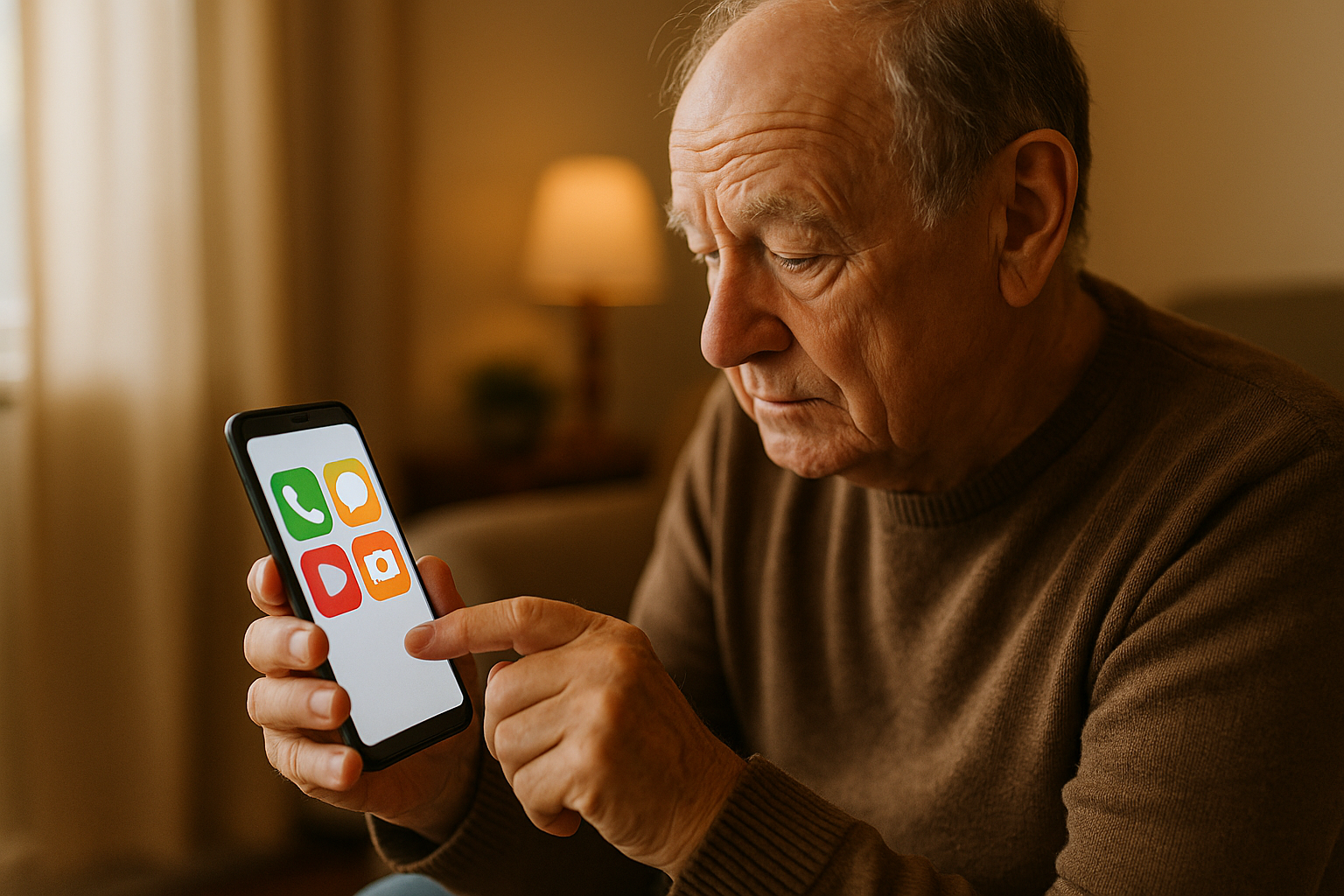
Option 1: A Simplified Senior Phone
Purpose-built senior phones (flip phones or simplified smartphones) offer large buttons, simplified menus, and dedicated emergency buttons. They’re a strong choice for someone who finds standard smartphones overwhelming, but usually run on a specific carrier plan and have fewer app options.
Option 2: A Standard Smartphone With Accessibility Settings
Both iPhone and Android devices have built-in accessibility features — larger text and icons, simplified home screens, voice control, and magnification — that can make a regular smartphone much easier to use without buying a specialized device. This keeps access to the full range of apps (video calling, photos, maps) that a simplified phone may not support.
Questions to Help Decide
- Does the person want to video call grandchildren or use apps regularly? → standard smartphone with accessibility settings
- Is the priority simplicity above all else, mainly for calls and texts? → simplified senior phone
- Is vision or dexterity a significant challenge? → either option with accessibility settings maximized, or a phone with genuinely oversized physical buttons
Setup Matters More Than the Phone
Whichever phone is chosen, spending time setting up large text, simplified home screens, and pre-saved emergency contacts makes a bigger difference than the specific model — a standard smartphone set up thoughtfully can be just as easy to use as a purpose-built senior phone.
Next Steps
Whatever phone is chosen, pair it with a medical alert system if it might not always be within reach.
Deja una respuesta