A voice-activated smart speaker can genuinely simplify daily life — setting reminders, making calls, or answering questions — without needing to read a small screen or navigate menus.
What It Can Help With
- Setting medication or appointment reminders by voice
- Making hands-free phone calls, useful if dialing small buttons is difficult
- Playing music, news, or audiobooks without navigating an app
- Answering simple questions (weather, time, quick facts)
- Controlling compatible smart lights or plugs
Getting Started
Initial setup (connecting to Wi-Fi and linking an account) is the trickiest part and is worth doing with help from a family member. Once set up, day-to-day use is just speaking a wake word followed by a request.
Placement Matters
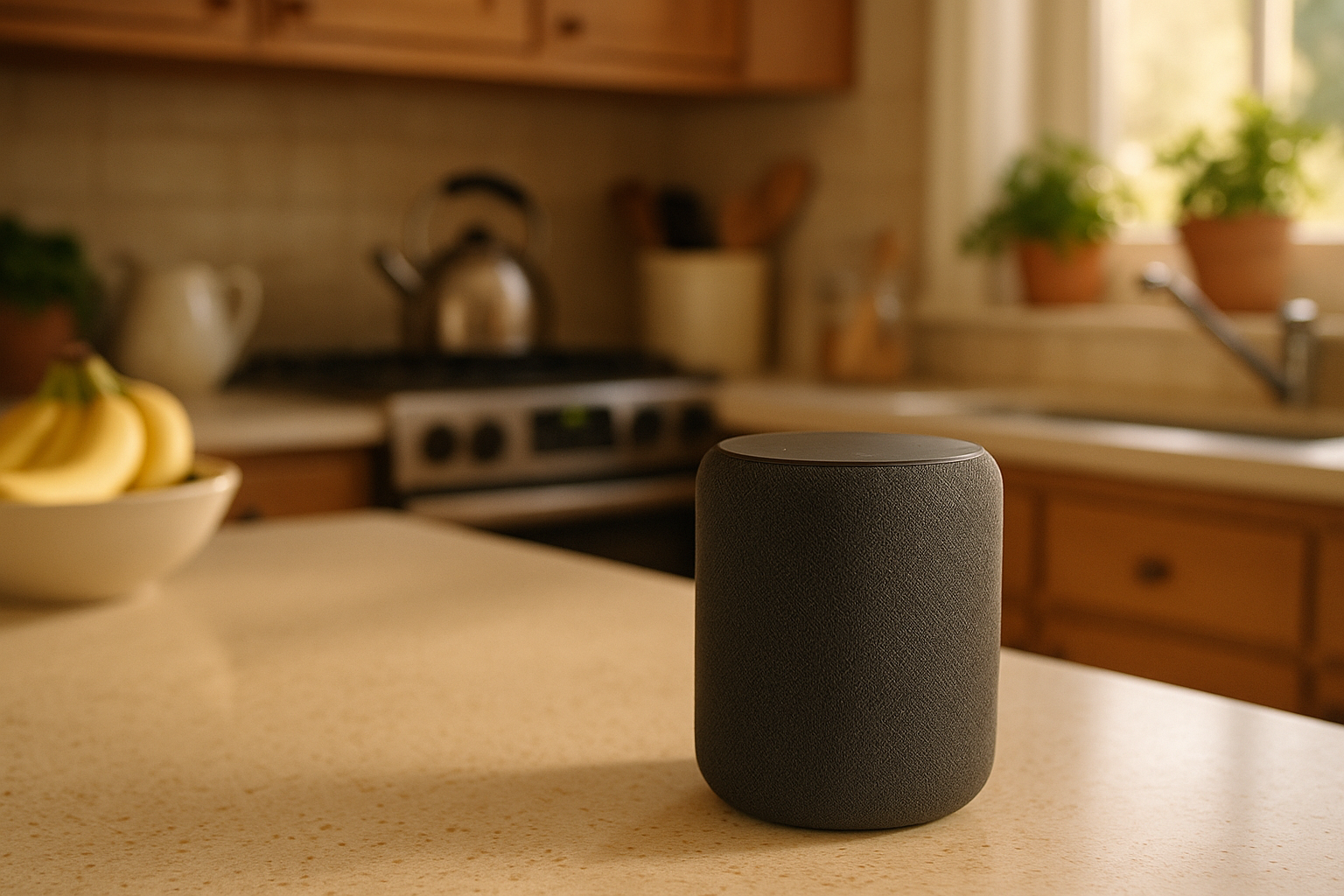
Put the device somewhere it’s used often — a kitchen counter or bedside table — rather than tucked away where it will be forgotten.
Setting Up Drop-In or Calling for Family Check-Ins
Many smart speakers support a hands-free «drop-in» or calling feature between connected family devices — useful for quick daily check-ins without either person needing to pick up a phone.
Common Concerns, Addressed
Smart speakers only start actively listening after the wake word (like «Alexa» or «Hey Google») — they aren’t recording constant conversations. Privacy settings, including microphone mute buttons, can be adjusted if this is a concern.
Next Steps
Start with one or two simple uses — like reminders and hands-free calling — rather than trying to learn every feature at once.
Deja una respuesta