A smart lock has several kinds of access: the physical mechanism, keypad codes, app permissions and account recovery. Protecting only the app password leaves other questions unanswered. Build a plan that the resident can use every day, including when a phone, connection or battery is unavailable.
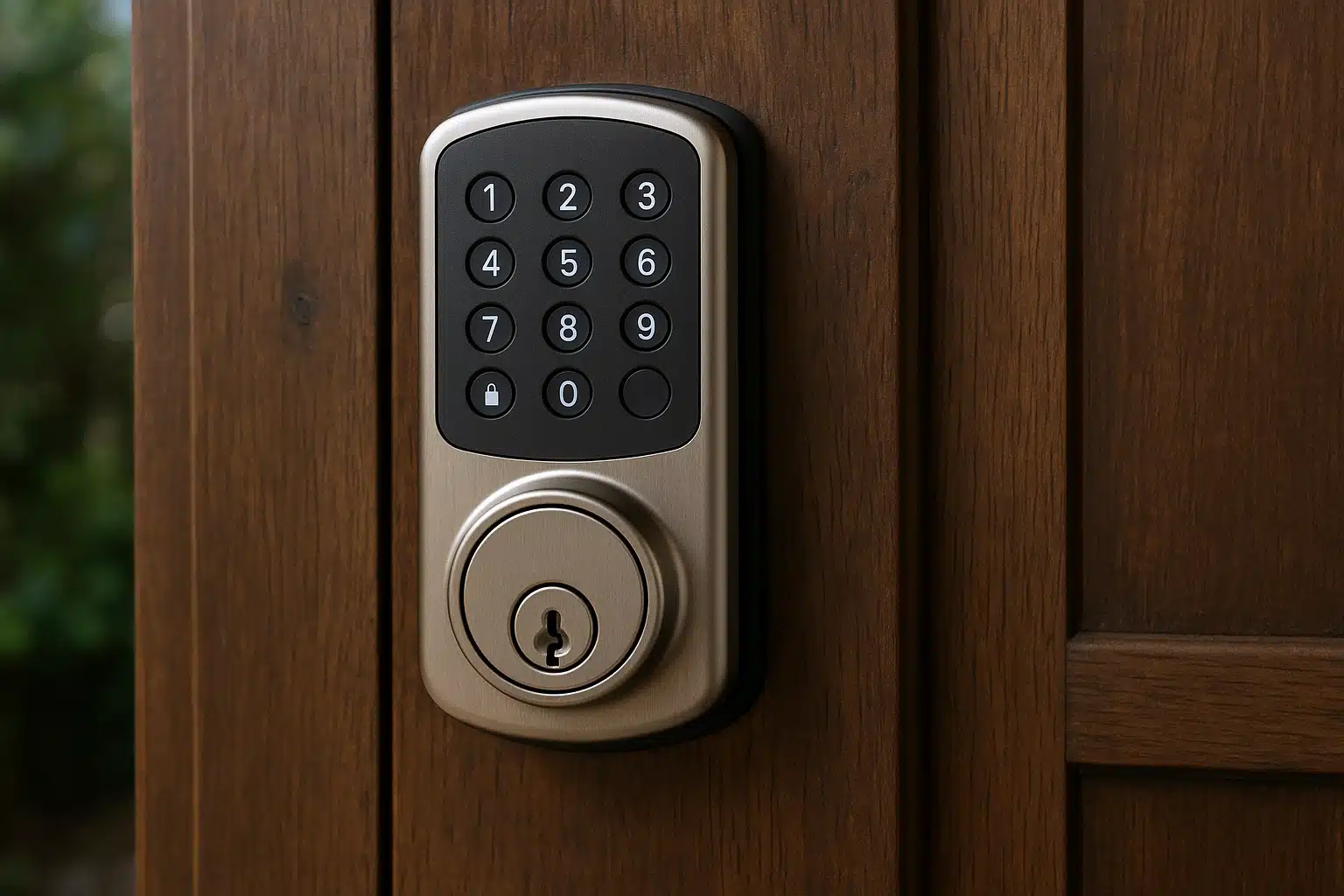
Understand the exact lock before setting permissions
Record the model and installation instructions. Find out which actions depend on internet service and which can work locally. A keypad, Bluetooth connection and remote app control may behave differently. Do not assume a Wi-Fi outage means the door cannot be opened—or that every function continues working.
For example, Schlage’s Sense Pro documentation describes battery operation and a model-specific temporary-power backup. Other locks use different arrangements. This example illustrates why the actual manual matters; it is not a recommendation to apply those instructions to another model.
Keep account ownership clear
Agree who owns the account and who is authorized to administer the lock. Use a unique password, supported multifactor authentication and appropriate recovery details. The resident should know whom to contact for help without giving every helper the owner’s credentials.
The FTC connected-device guidance supports account protection and software maintenance. Follow the lock provider’s documented invitation process where available, and check whether a shared user can unlock, manage codes or change other settings.
Manage codes separately from app users
- Assign access according to an agreed purpose, using individual codes where supported.
- Check whether the model supports schedules, expiry or restrictions before relying on them.
- Record who holds each permission without placing the actual codes in a shared household task sheet.
- Remove access when a helper’s role ends, following the provider’s procedure.
- Confirm whether deleting an app invitation also removes associated keypad access; do not assume it does.
A keypad code can be copied or passed to another person. A log showing that code was used does not prove who entered. Likewise, a recorded unlock event does not necessarily establish that the door was opened or that the resident arrived safely.
Plan backup entry and ordinary exit
Check the manufacturer’s backup method for loss of battery power and for loss of connectivity separately. Some models have a physical key; others provide a different emergency-power arrangement. Know where the required backup item is kept and who can use it appropriately.
Review operation from inside as well as outside. Ask the installer about the applicable door and exit requirements and whether the resident can operate the completed fitting. An app should not be the only plan for leaving or obtaining appropriate access.
Practice the permitted backup procedure with help and according to the manual, without deliberately creating a lockout. Do not place an unprotected key or code where anyone can discover it simply because it is convenient.
Give battery care a named owner
Use the specified battery type and replacement procedure. Confirm how warnings are delivered and who checks them. A disabled phone notification, absent helper or outdated app can defeat a plan that relies only on receiving an alert.
Battery-duration claims depend on the model and use. Establish a review routine rather than treating an advertised maximum as a replacement date. Keep the instructions available and ask verified support about repeated warnings or abnormal operation.
Check installation and changes over time
A door that catches, a misaligned bolt or an uncertain fitting needs appropriate installer attention. Account security cannot repair the physical assembly. Ask who handles mechanical defects, updates and changes in access after installation.
Illustrative example: a former helper’s app invitation is removed, but their keypad code remains active. Reviewing both permission lists addresses the remaining access. Changing the owner’s password alone would not necessarily do so.
Use the family access guide for agreed roles, and the compromised-account guide for unfamiliar activity. Revisit the plan after a lost phone, changed helper or lock replacement.
Leave a Reply