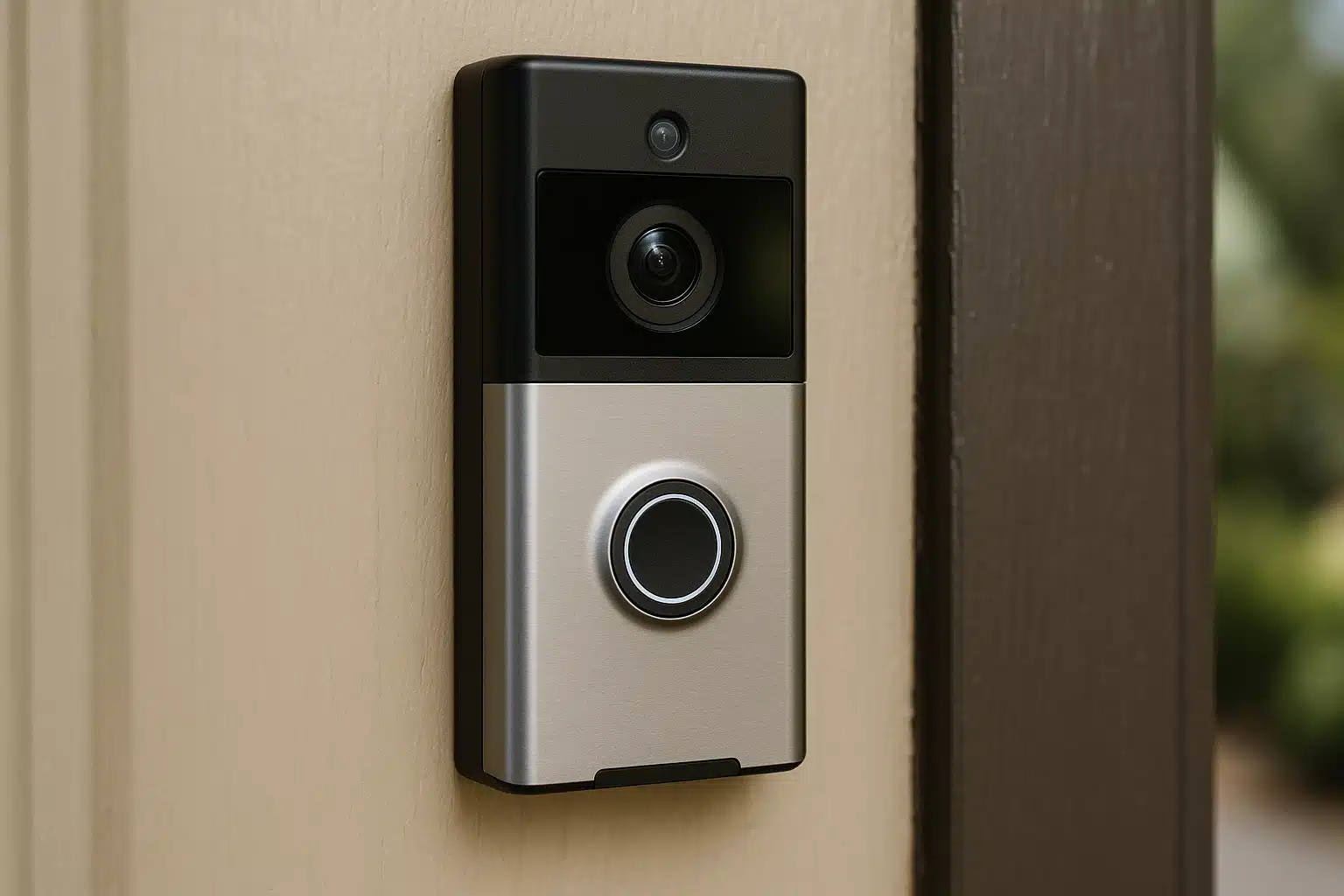
Before installing a camera or video doorbell, decide what it should show, who should see it and whether recordings are needed. Privacy is not a single switch. Live viewing, audio, saved clips, shared users and account recovery can each expose different information.
Agree the purpose and location
Discuss the arrangement with the resident and others affected. A view of a doorway serves a different purpose from monitoring an indoor room. Avoid treating bedrooms, bathrooms or other private activities as routine camera coverage. Consider whether a call or another agreed check-in could meet the need with less information collected.
The FTC camera security guide recommends considering privacy before remote viewing and securing the camera, account and network. Review the actual field of view, including neighboring property and shared spaces. Local recording rules and property permissions may also need checking; this guide does not settle those questions.
Separate live viewing from stored recordings
Ask which functions the selected plan provides: live video, audio, event clips or continuous recording. Check where recordings are stored and what happens when a subscription ends. A local-storage description does not establish that no account or cloud service is involved.
Read the provider’s retention and deletion information. Find out whether deleting a clip removes it from all relevant locations or only one view. Downloaded copies or clips shared with another person are a separate issue. Do not assume the household can retract footage already distributed.
Review every permission offered
- Owner account: who controls recovery and the device’s settings?
- Shared users: can they view live footage, recordings, audio or change controls?
- Notifications: do previews expose images on a locked phone screen?
- Community features: is publishing a clip separate from ordinary family access?
- Integrations: which linked apps or services can use the device or data?
Features and defaults differ by model and service. Inspect the current settings rather than assuming sharing is enabled or disabled. Give each authorized user a separate invitation where supported, with only the permissions needed for the agreed task.
Protect the owner and invited accounts
Use unique passwords and enable the provider’s supported multifactor authentication. The additional factor may be an authenticator, security key or another supported method; it is not always a text message. Keep recovery arrangements usable without giving every helper access to the entire account.
Review invited users and active sessions when the app makes that information available. Understand how removal works. A familiar name is not proof that its phone is still secure, and changing a password may not revoke every invitation or session.
Check updates and the home connection
The FTC connected-device guidance includes software maintenance and checking access information where available. Confirm how the camera receives updates and whether its model remains supported. App updates and device firmware are separate components.
Check network protection using the router’s supported settings. Remote viewing through the documented service does not normally require inventing a router configuration. Ask verified provider support before enabling unfamiliar outside-access options or changing network settings.
Test privacy as well as the picture
Use the provider’s documented process with the resident’s knowledge. Verify what an invited person can actually see and whether the image captures more than intended. Review audio separately. If privacy masking is available, ask which outputs it affects; do not assume a masked live view means no underlying image is recorded.
Confirm how the resident can disable or change the arrangement, and what that action means for live viewing and recording. Keep instructions and a verified support contact available. Plan a review after app, device or helper changes.
A short review can reveal the real gap
Illustrative example: the family agrees to doorbell alerts, but an invited account also has access to indoor recordings. Reducing that permission addresses the privacy issue. Making the owner’s password longer would not change the excessive access already granted.
Use the family access guide to define roles. If settings or activity are unfamiliar, follow the account response guide rather than sharing footage publicly to seek help.
Leave a Reply